Internet Reliability for Remote Work
Why Connection Speed Matters More Than You Think
You're in a video call with your team when your internet drops. Again. It's frustrating, unprofessional, and honestly, it shouldn't happen. Remote work depends entirely on stable, fast internet—there's no office backup here, no colleague next to you to take over. Your connection is everything.
The difference between "works most of the time" and "actually reliable" isn't small. We're talking about whether you can attend back-to-back video meetings without lag, upload large files in reasonable time, and handle multiple browser tabs without your system crawling. When you're working from home, your apartment's internet setup directly impacts your income, your reputation, and your stress level.
The Reality Check
Most remote workers need at least 25 Mbps download and 3 Mbps upload for stable performance. Video conferencing alone uses 2.5-4 Mbps per stream. If you're sharing bandwidth with roommates or family, you need significantly more.
Understanding Connection Types
Not all internet connections are created equal. Your apartment's building infrastructure determines what's actually available to you, and some neighborhoods have better options than others. One-North and Buona Vista, for instance, have pretty solid coverage across multiple providers, but the building type still matters.
Fiber Optic
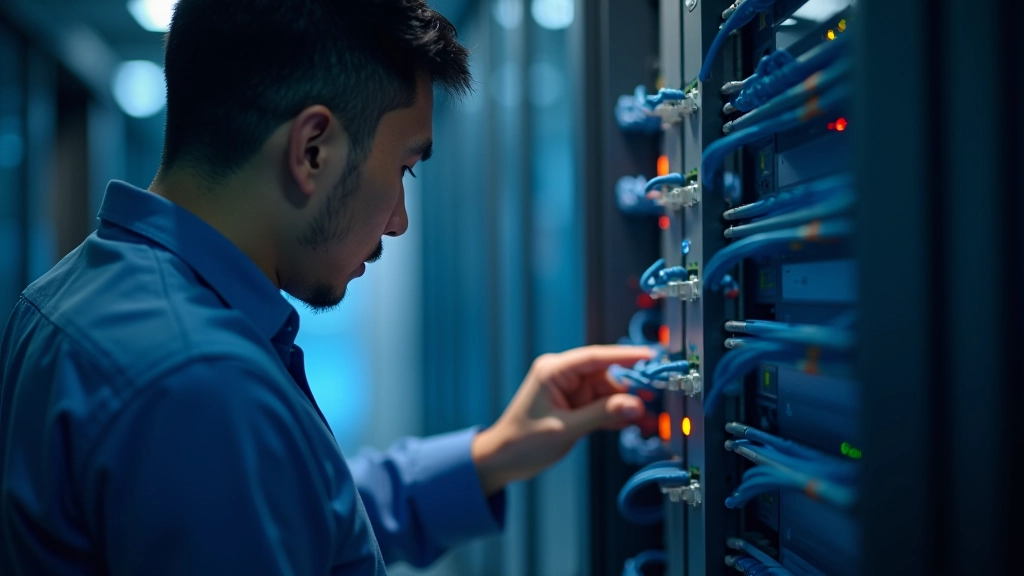
Best option available. Speeds up to 1 Gbps, ultra-reliable. If your building has fiber, you're set for any work scenario.
Cable Internet
Solid middle ground. Typically 100-300 Mbps. Works fine for remote work, though speeds can dip during peak hours (6-10 PM) when neighbors are using bandwidth.
Wireless/4G
Convenient backup, not primary. Mobile hotspots are lifesavers when your main connection fails, but they're not reliable enough for daily work—especially video calls.
Before signing a lease, ask the property manager what's available. Don't just take their word for it—call the providers directly. Singapore's pretty good about fiber coverage, but you'll want confirmation.
Important Note
Internet speed and availability vary by building, provider, and location. The information provided here is general guidance for remote work connectivity needs. Always verify specific availability and speeds directly with service providers before making rental decisions. Service reliability depends on multiple factors including building infrastructure, network congestion, and provider maintenance.
Router Placement & Setup Matters
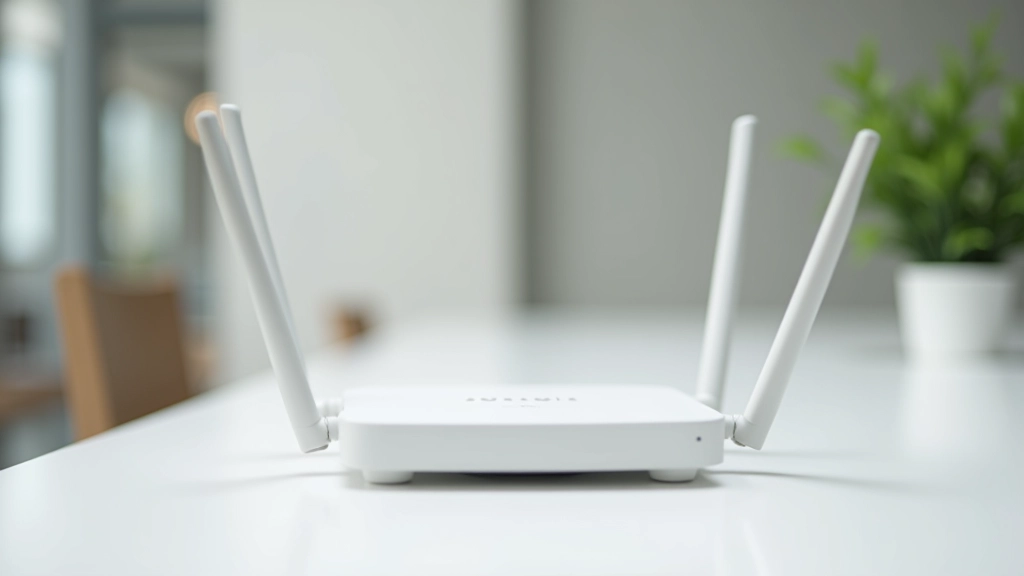
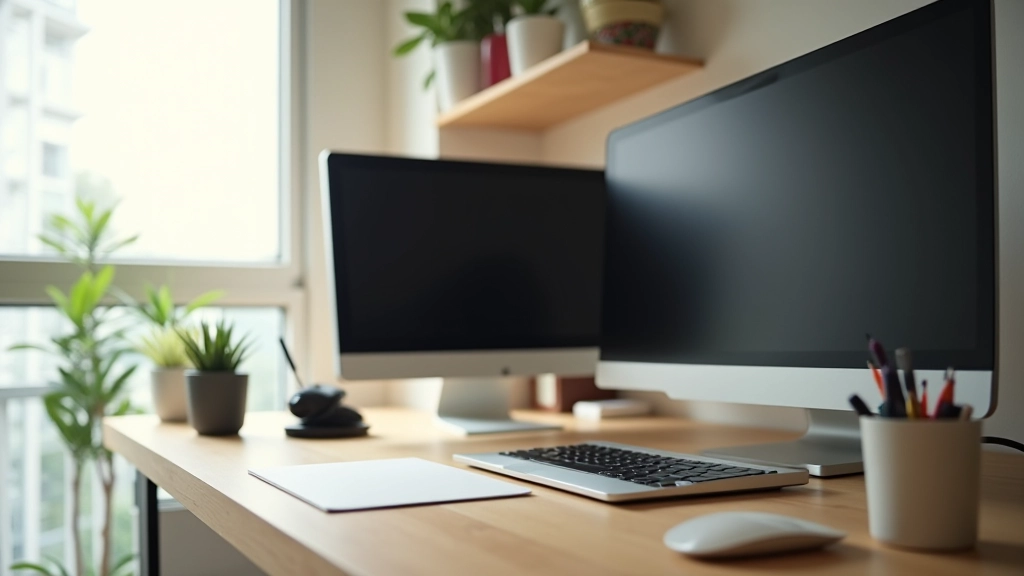
Here's something most people don't think about: where you put your router can make or break your connection. We're not exaggerating. A router shoved in a corner cabinet versus one placed centrally in your apartment can mean the difference between 50 Mbps and 200 Mbps in your home office.
Best practice? Keep your router elevated (shelf or wall mount), away from thick walls and metal objects. Position it roughly in the center of your apartment or closer to wherever you work most. Walls, especially concrete ones, kill WiFi signal. If your home office is far from the main living area, consider a WiFi extender or mesh system. Yes, it's an extra cost, but it's cheaper than replacing an apartment lease because you couldn't stay connected during work hours.
Also—and this seems obvious but people skip it—restart your router every week. Not just unplugging it; actually wait 30 seconds. You'd be surprised how many connection issues clear up with a simple restart. It takes 2 minutes and costs nothing.
Backup Plans Are Non-Negotiable
Reliability means having a backup. Your primary connection will fail eventually—maybe it's provider maintenance, maybe a storm, maybe someone in your building accidentally cuts a line. When it happens, you need a plan that doesn't involve sitting in a coffee shop during a deadline.
Mobile Hotspot
Keep a phone with a decent data plan as backup. Most phones can handle basic video calls and email if your home internet goes down.
Dual Provider
If budget allows, having two different providers means if one goes down, the other keeps you working. It's expensive but serious remote workers do it.
Nearby Options
Know where coworking spaces or cafes with strong WiFi are near you. Not ideal, but beats losing productivity.
Think about what you actually need from your backup. If you're on calls all day, mobile hotspot won't cut it for video. If you just need email and messaging, it'll work fine. Be realistic about your situation.

How to Test Your Connection
Before you move into an apartment, test the actual internet performance. Don't wait until your first work day to discover it's unreliable.
1
Run Speed Tests
Use Speedtest.net or Fast.com. Run it 3-4 times throughout the day—morning, afternoon, evening. Look for consistency. A connection that gives 200 Mbps at 2 AM but drops to 20 Mbps at 7 PM isn't reliable.
2
Test Video Call Quality
Speed tests don't tell the whole story. Open Zoom, Google Meet, or Teams and run a test call. See if there's lag, if your video cuts out, if the audio gets choppy. That's what actually matters for work.
3
Check Latency (Ping)
Ping under 50ms is great, 50-100ms is acceptable, over 100ms means lag in real-time communication. It's in the speed test results but easy to miss. Don't overlook it.
It's Worth Getting Right
Internet reliability isn't glamorous, but it's fundamental. You wouldn't rent an apartment without checking that the water works—your internet deserves the same attention. Take the time to verify speeds, understand what's available in your building, and set up your equipment properly.
For remote workers in One-North and Buona Vista, you're actually in a good spot. The neighborhood has solid provider coverage and relatively modern building infrastructure. But don't assume anything. Verify before you move in, set up your router right, and keep a backup plan. Your work depends on it—literally.

Related Articles