Setting Up Your Home Office Space
Learn how to arrange furniture, lighting, and equipment for a workspace that actually feels separate from your bedroom. Natural light and ergonomics matter more than you think.
Why Your Workspace Matters More Than You'd Think
Working from home sounds great until you're trying to focus from your bed at 3 PM. It's not about having the fanciest desk or the most expensive chair. What actually works is creating a space that your brain recognizes as "work mode." That mental shift is everything.
Most people don't realize how much their environment affects their productivity. A proper setup takes maybe a weekend to get right, and you'll notice the difference immediately. You'll work faster, stay focused longer, and actually want to leave the workspace when your day ends.
of remote workers report better focus with proper ergonomic setup
ideal desk distance from window for natural light without glare
typical time to adjust to a properly arranged workspace
Furniture Layout: The Foundation
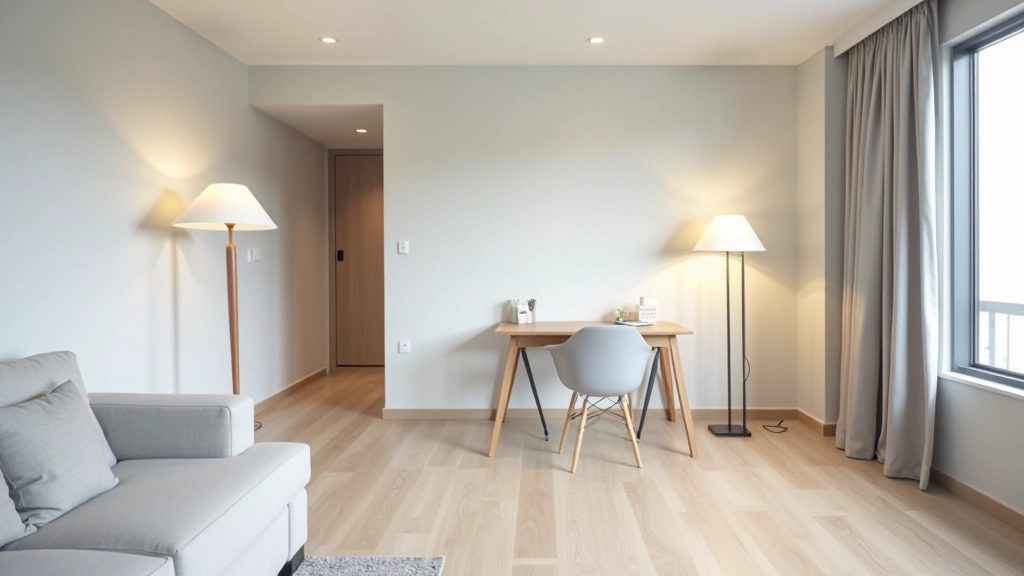
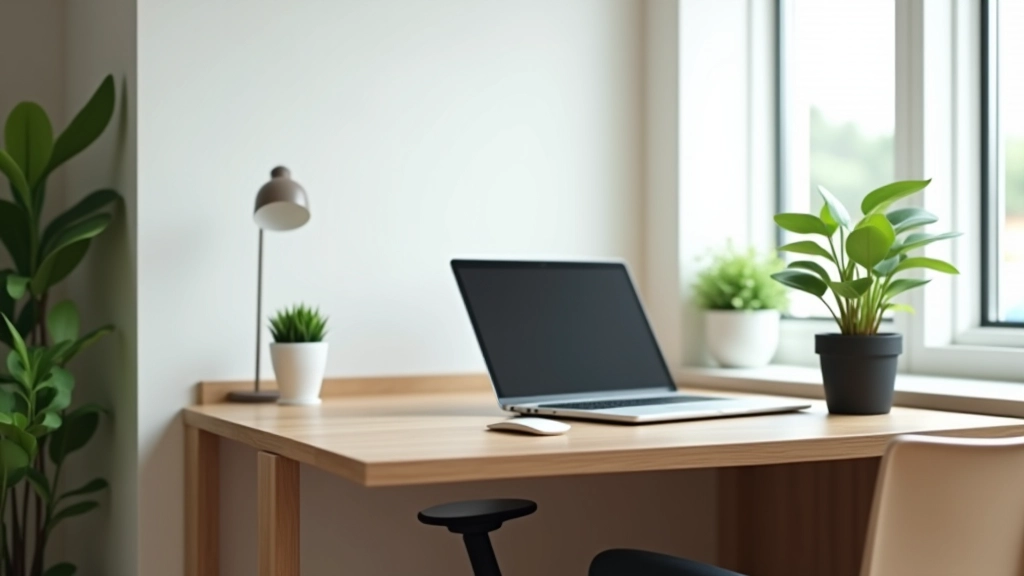
Your desk should be positioned so you're not staring directly at a wall. If you've got a window, position your desk perpendicular to it — that way you get natural light on your work surface without the screen glare that makes you squint all day.
The desk itself doesn't need to be massive. A 48-inch wide desk is plenty for most people. You'll want some surface area for your monitor, keyboard, and a small notebook, but that's really it. Going too large just means wasted space and clutter creeping in.
Your chair is where you shouldn't cut corners. You're sitting in it 8+ hours a day. A decent chair with lumbar support costs between a modest investment, but you'll notice the difference in your back after a week. Look for adjustable height, armrests, and something that doesn't make you want to leave after an hour.
Note on Setup Recommendations
The suggestions in this guide are based on common ergonomic principles and home office best practices. Individual needs vary depending on your height, work tasks, and physical condition. If you experience persistent discomfort or pain, consult with an ergonomics specialist or healthcare provider for personalized advice.

Lighting: Your Secret Weapon
Natural light is incredible if you have it. But don't rely on it alone because it changes throughout the day. At 2 PM in winter, that bright morning window becomes pretty dim. You'll need a backup.
A simple desk lamp with adjustable brightness works wonders. You don't need anything fancy — just something that lets you point light where you need it. Avoid lights directly overhead because they create shadows on your desk and make your screen harder to see.
The color temperature matters too. Warm light (around 2700K) is better for late afternoon and evening work because it doesn't mess with your sleep. During the morning, cooler light (4000K-5000K) helps you stay alert. Some lamps let you adjust this, which is handy if you're working at odd hours.
The Boundary Between Work and Rest
Here's the thing about working from home — your bedroom becomes your office becomes your bedroom again. That's mentally exhausting. Creating a clear boundary helps more than you'd expect.
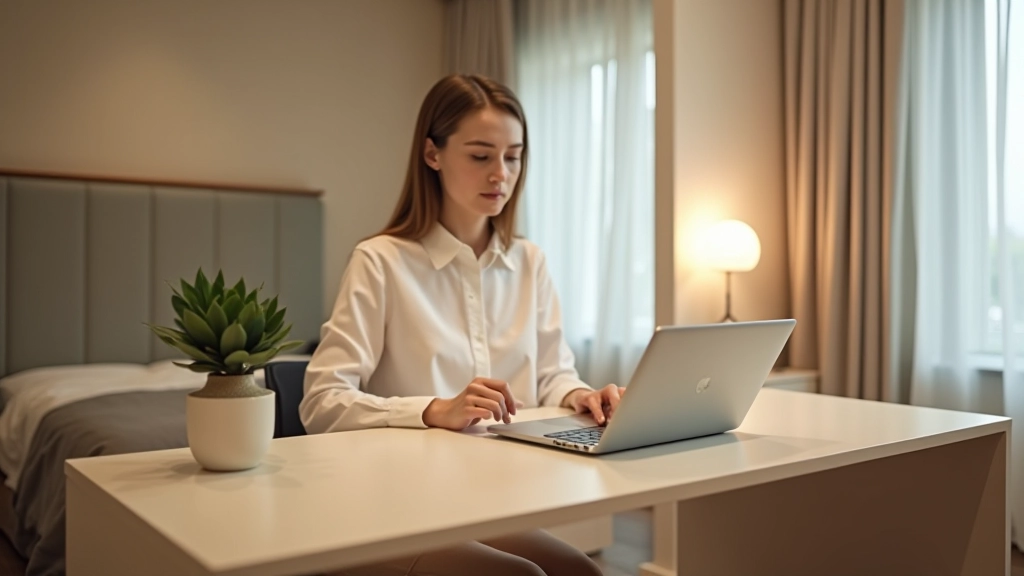
If you've got a separate room, great. But if you're working from a corner of your bedroom, at minimum position your desk so you can't see it from your bed. Sounds simple, but it actually works. When you're lying down trying to sleep, not seeing your work desk helps your brain relax.
Add a small divider or even just a curtain if you need one. Nothing expensive. The psychological shift of "closing off" your workspace at the end of the day matters. You're training your brain that this corner is for work, and the rest of the room is for living.
Equipment and Essentials That Actually Help
You don't need much. A laptop stand brings your screen to eye level, which saves your neck. A separate keyboard and mouse help you position your arms correctly. These aren't luxuries — they're investments in not having shoulder pain by 4 PM.
Storage matters. Get one shelf or small cabinet to hold supplies. A desk that's cluttered is a mind that's cluttered. Everything you use regularly should have a home. Keep your desk surface mostly clear — just monitor, keyboard, mouse, and maybe a notepad.
Don't forget the basics. A good power strip means your cables stay organized. A small plant or two improves air quality and looks less depressing than a blank wall. These tiny things add up to a space you actually want to spend time in.
The Setup Takes a Weekend. The Benefits Last Forever
Getting your home office right doesn't require a major investment or a complete overhaul. You're looking at a good desk, a proper chair, decent lighting, and some organization. Maybe a weekend to arrange everything and figure out what works for your specific space.
What you'll notice is immediate. Your focus improves. Your back stops hurting. You actually want to work. And when your workday ends, you can close that door or pull that divider and mentally leave the office. That separation is worth more than any fancy gadget.
Start with what you have. Move your desk. Adjust your chair. Add one good lamp. Pay attention to what feels different. Then make small changes from there. You'll be surprised how quickly a workspace becomes a place where you can actually do your best work.

Related Articles